
测试注释
Vitest 支持通过 context.annotate API 为测试添加自定义消息和文件注释。这些注释会附加到测试用例上,并通过 onTestAnnotate 钩子传递给报告器。
ts
test('hello world', async ({ annotate }) => {
  await annotate('this is my test')

  if (condition) {
    await annotate('this should\'ve errored', 'error')
  }

  const file = createTestSpecificFile()
  await annotate('creates a file', { body: file })
})
WARNING
annotate 函数返回一个 Promise,因此如果你依赖它的结果需使用 await。不过,Vitest 也会在测试结束前自动等待任何未被 await 的注释完成。
根据你使用的报告器不同,注释的显示方式也会有所差异。
内置报告器
default
default 报告器仅在测试失败时打印注释:
  ⎯⎯⎯⎯⎯⎯⎯ Failed Tests 1 ⎯⎯⎯⎯⎯⎯⎯

  FAIL  example.test.js > an example of a test with annotation
Error: thrown error
  ❯ example.test.js:11:21
      9 |    await annotate('annotation 1')
      10|    await annotate('annotation 2', 'warning')
      11|    throw new Error('thrown error')
        |          ^
      12|  })

  ❯ example.test.js:9:15 notice
    ↳ annotation 1
  ❯ example.test.js:10:15 warning
    ↳ annotation 2

  ⎯⎯⎯⎯⎯⎯⎯⎯⎯⎯⎯⎯⎯⎯⎯⎯⎯⎯⎯⎯[1/1]⎯
verbose
verbose 报告器是唯一一个在测试通过时也会报告注释的终端报告器。
✓ example.test.js > an example of a test with annotation

  ❯ example.test.js:9:15 notice
    ↳ annotation 1
  ❯ example.test.js:10:15 warning
    ↳ annotation 2
html
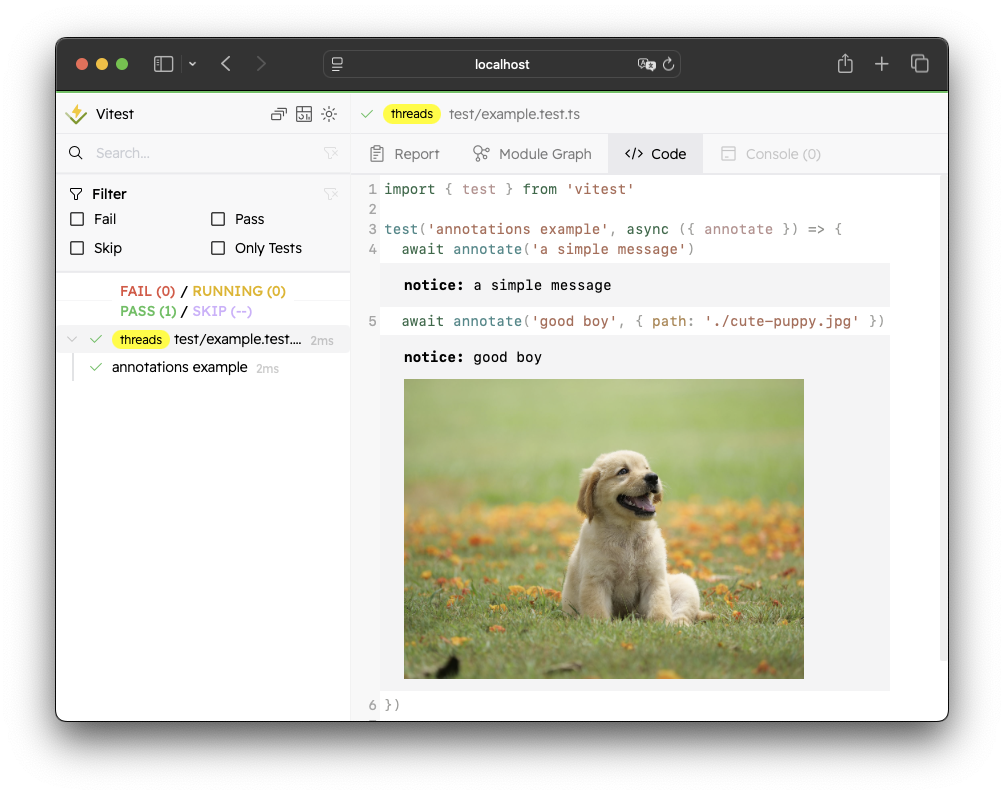
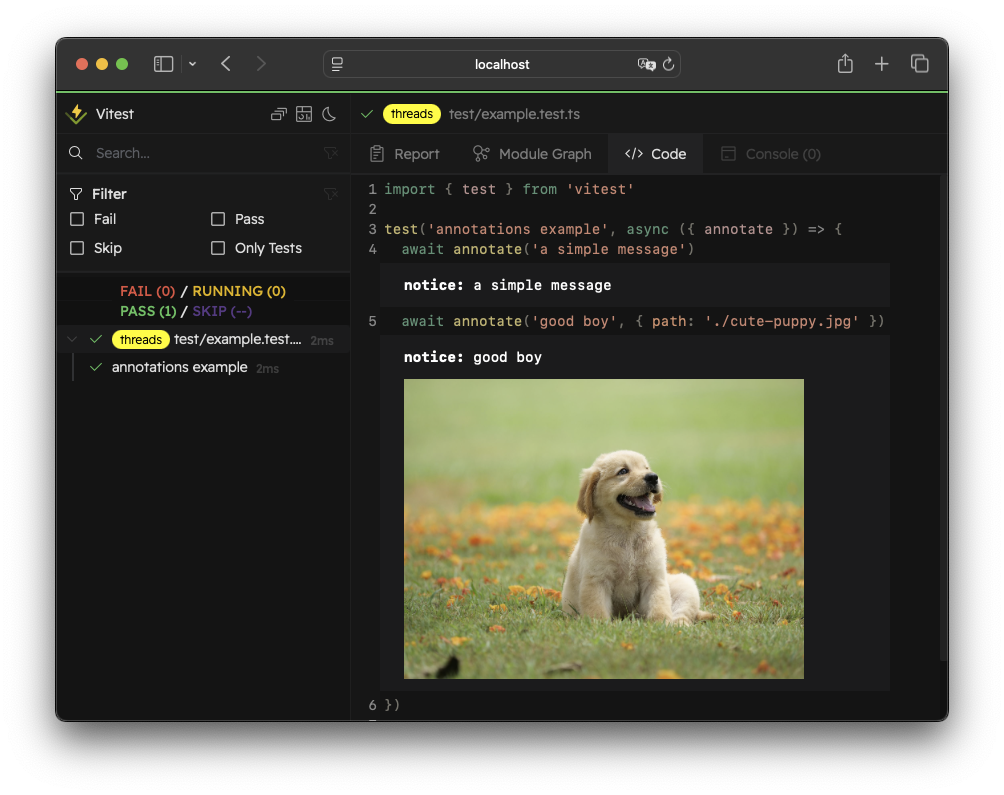
HTML 报告器以与 UI 模式相同的方式显示注释。你可以在调用注释的那一行看到它。目前,如果注释不是在测试文件中调用的,你将无法在界面中看到它。我们计划支持单独的测试摘要视图来展示这些注释。
junit
junit 报告器将注释列在测试用例的 properties 标签内。JUnit 报告器会忽略所有附件,仅打印注释类型和消息内容。
xml
<testcase classname="basic/example.test.js" name="an example of a test with annotation" time="0.14315">
    <properties>
        <property name="notice" value="the message of the annotation">
        </property>
    </properties>
</testcase>
github-actions
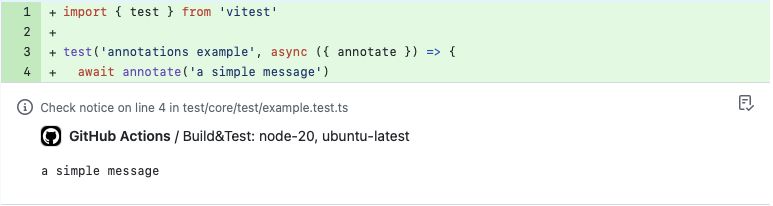
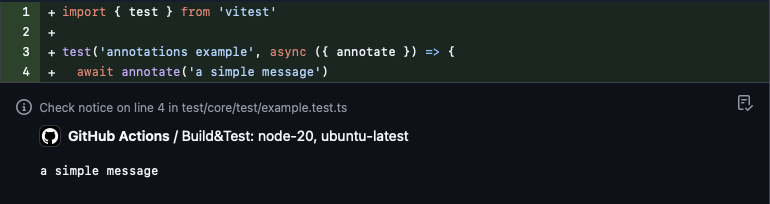
github-actions 报告器默认将注释打印为 notice 消息。你可以通过传递第二个参数来配置 type,可选值为 notice、warning 或 error。如果类型不是这些值之一,Vitest 将以 notice 形式显示消息。
tap
tap 和 tap-flat 报告器将注释打印为新行上以 # 符号开头的诊断消息。它们会忽略所有附件,只打印类型和消息:
ok 1 - an example of a test with annotation # time=143.15ms
    # notice: the message of the annotation